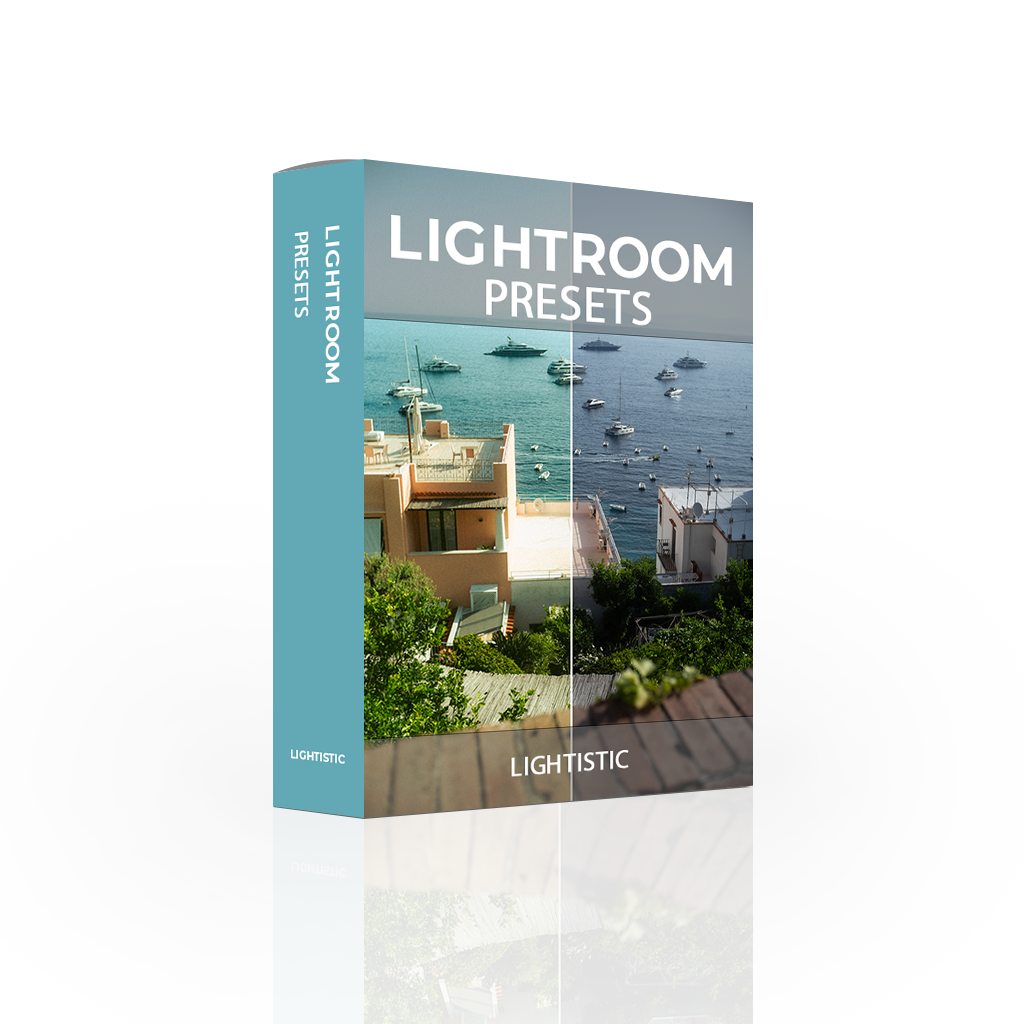
 Image 1 of 8
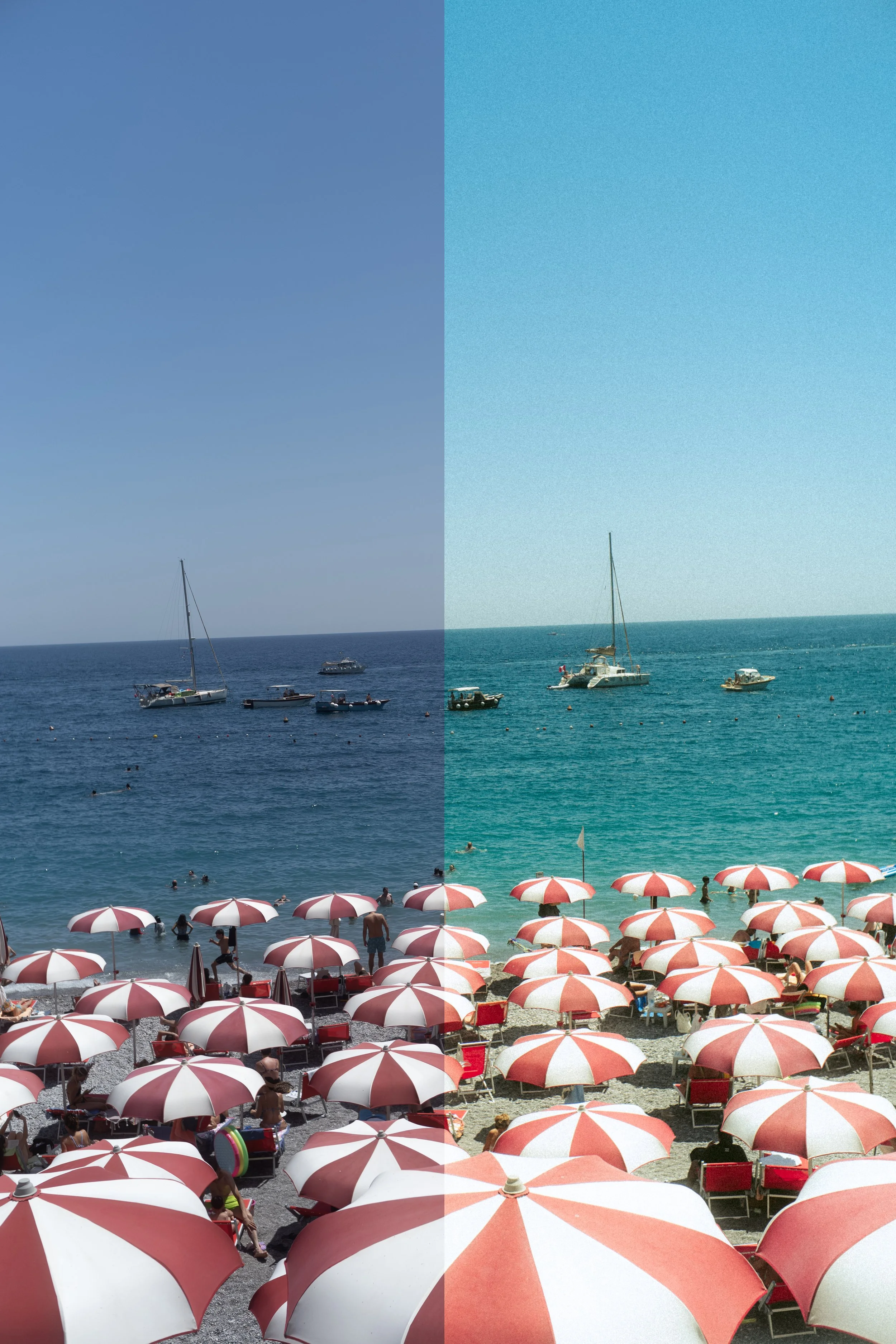 Image 2 of 8
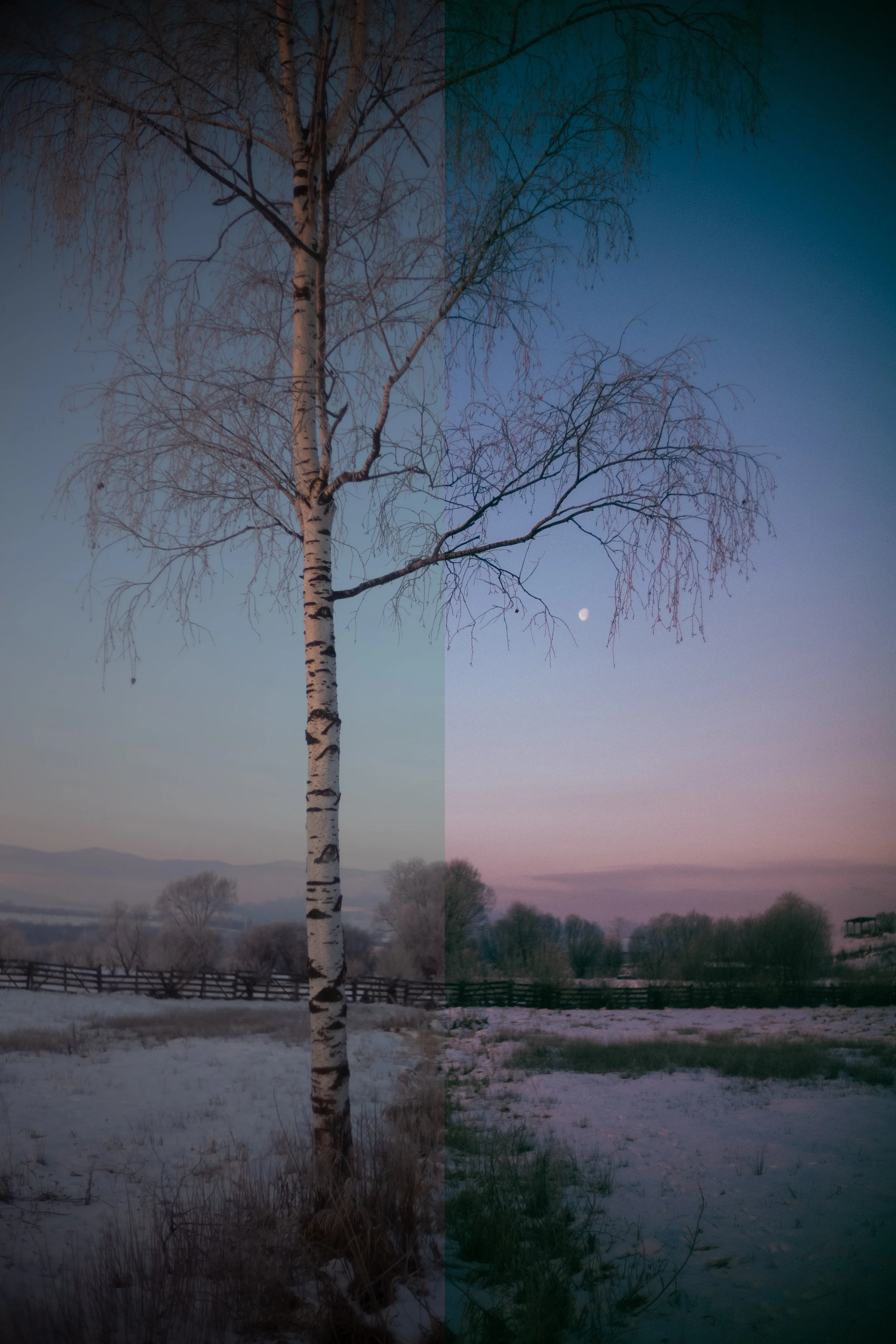 Image 3 of 8
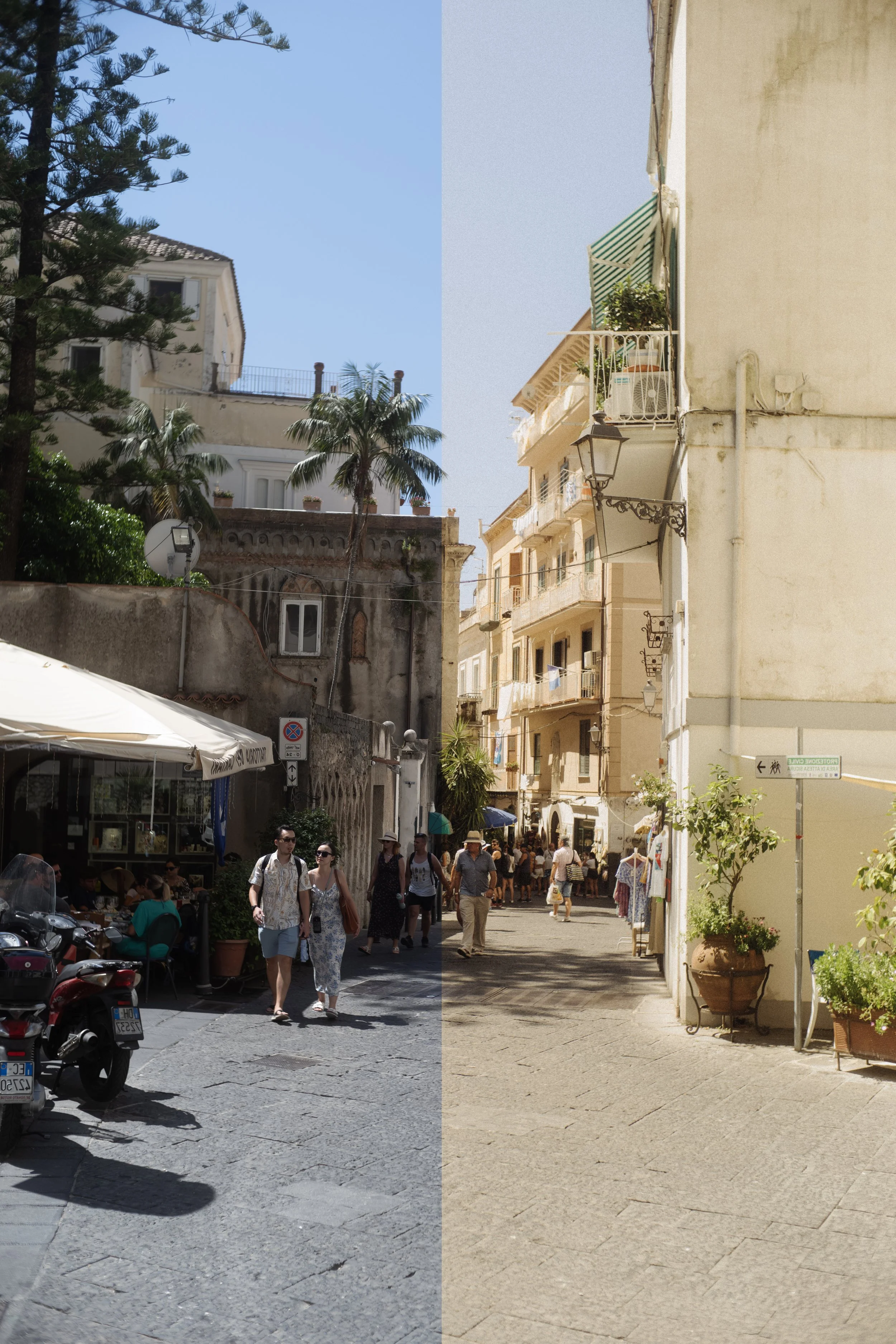 Image 4 of 8
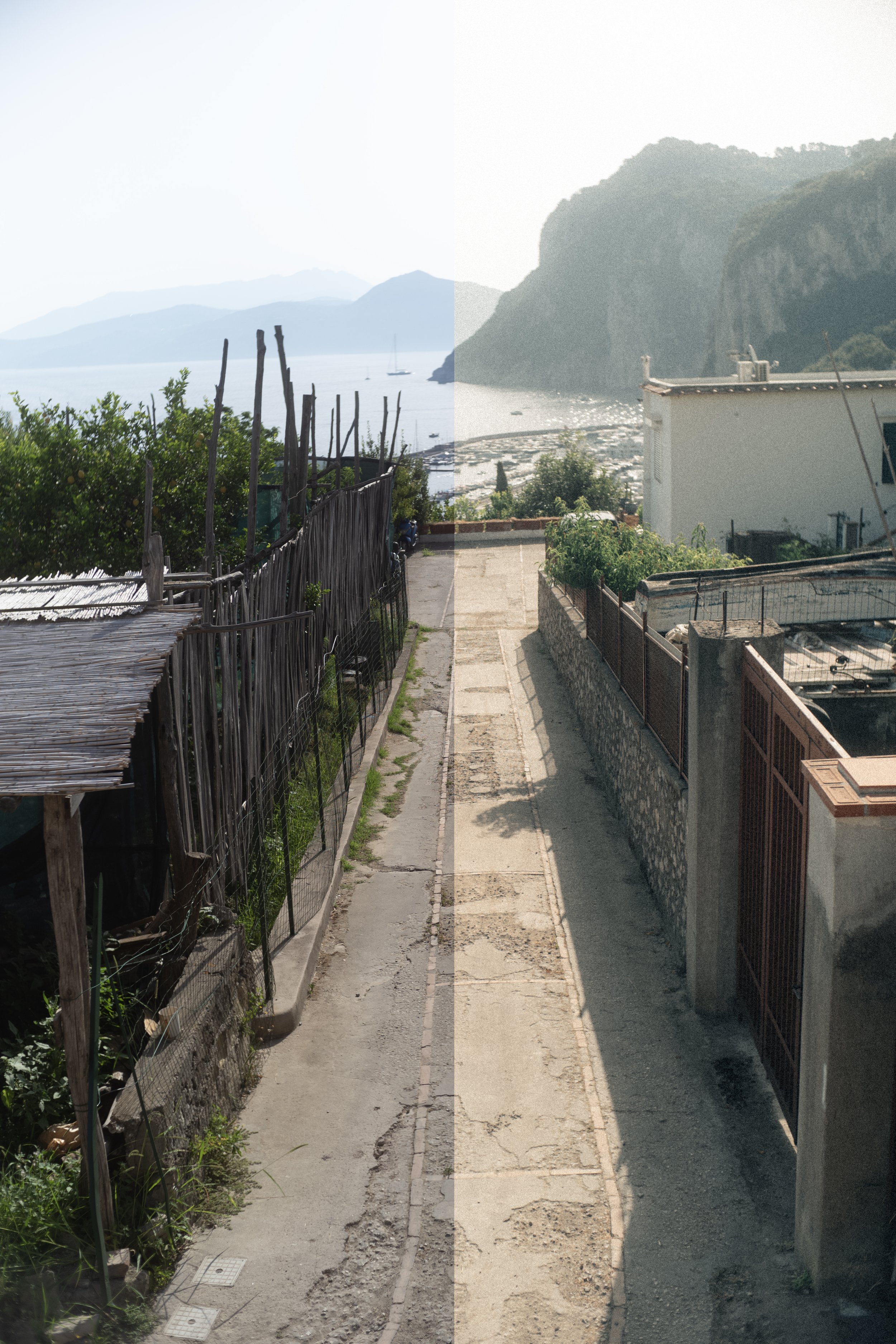 Image 5 of 8
 Image 6 of 8
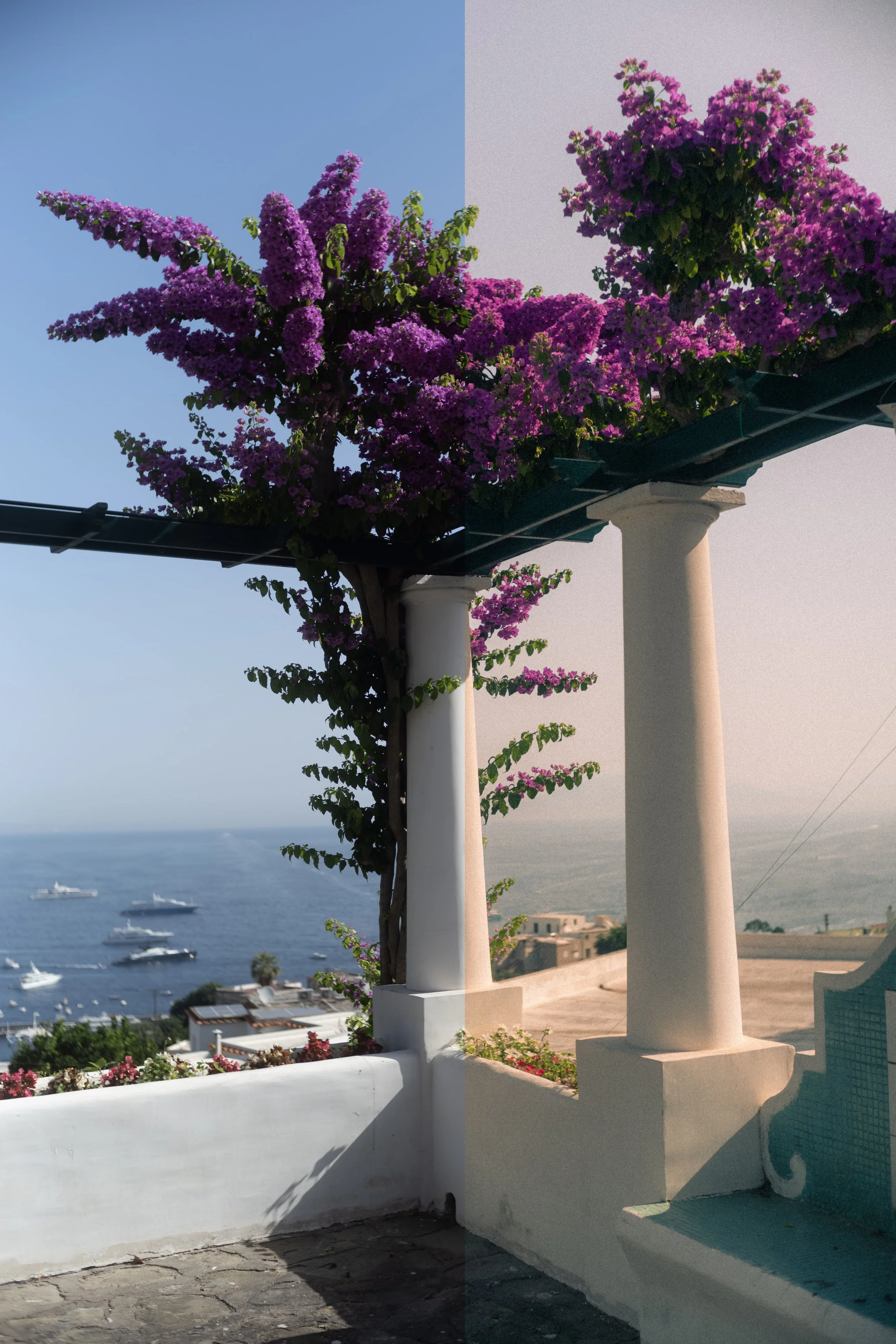 Image 7 of 8
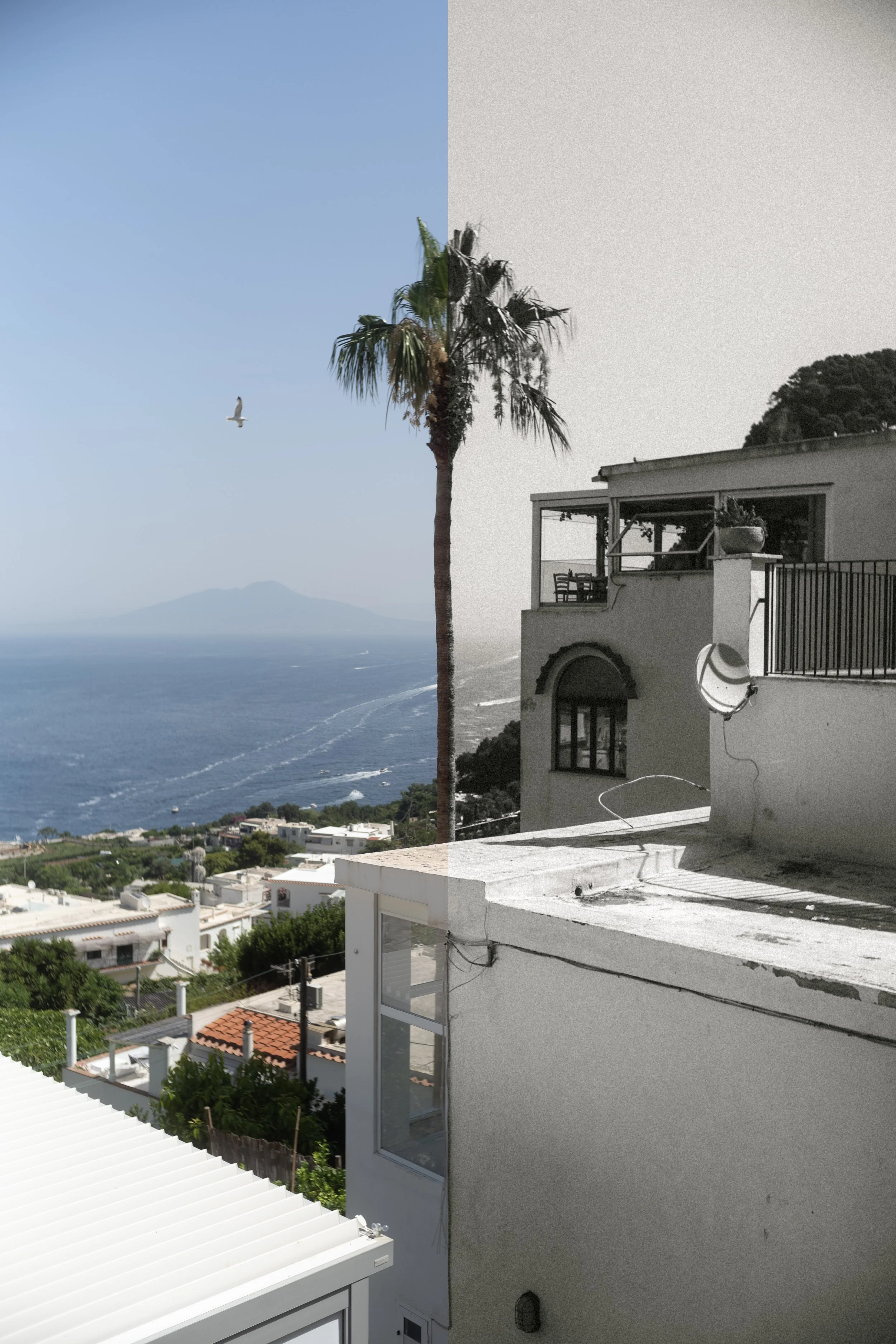 Image 8 of 8
Compatible with Lightroom CC, Lightroom Classic CC, Photoshop CC, & Adobe Camera Raw.
8 Presets Included + 5 Tools + 3 Camera Profiles (.xmp format). Zip file is sent shortly after purchase.
Note: These presets are designed to give you a strong starting point for your edit.
Since every image is different — depending on light, camera settings and colour temperature — small adjustments to exposure, white balance, contrast or black point may be needed to achieve the final look.
This is part of the creative process and helps adapt the preset to each individual image.
HOW TO APPLY THE PRESETS IN LIGHTROOM MOBILE:
First import the .DNG files in your Lightroom Mobile app.
To copy and apply DNG settings to another picture in Lightroom Mobile, follow these steps:
Open the DNG File with Desired Settings:
Open the DNG file that has the settings you want to copy.
Copy Settings:
Tap on the three-dot menu icon in the top-right corner.Select “Copy Settings”.
A pop-up will appear where you can choose which settings to copy. Select the settings you want to copy or leave them all selected, then tap “OK” or “Checkmark” to confirm.
Go to the Target Photo:
Navigate to the photo you want to apply the settings to.
Paste Settings:
Tap on the three-dot menu icon again.
Select “Paste Settings”.
This will apply the copied settings from the DNG file to your chosen photo.